
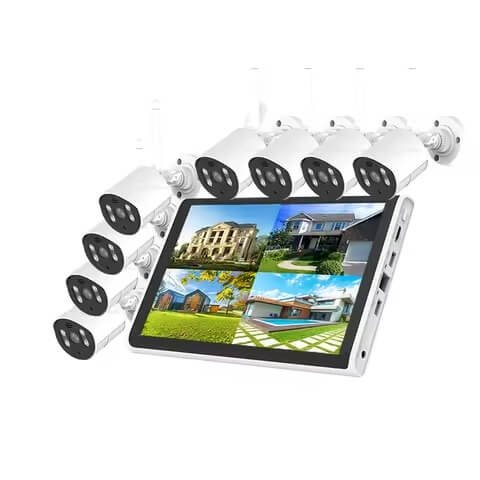
Choosing a security camera system for a retail store can feel overwhelming. There are many cameras, recorders, and features to compare. This 2026 guide explains what actually matters, step by step. You will learn what to buy, where to place cameras, and how much storage you truly need.
Quick Answer: For most retail stores, a wired IP/PoE camera system connected to an NVR is the most practical starting point. Prioritize entrances, checkout areas, high-value merchandise, stockrooms, and rear exits. Choose resolution and lenses based on the detail needed at each location. Provide enough storage for your retention policy, and leave spare NVR channels for future expansion.
Retail Security Statistics for 2026
Before we dive into camera choices, let us look at the latest data. The National Retail Federation’s Impact of Retail Theft & Violence 2026 surveyed 66 retail companies. Their findings show why video security remains a smart investment.
| Finding | 2026 Data | Why It Matters |
|---|---|---|
| Change in shoplifting incidents, 2024→2025 | −12.4% | Prevention efforts appear to be working |
| Retailers reporting repeat-offender activity | 50% | Searchable, identifiable footage matters |
| Retailers reporting ORC-related incidents | 40% | Incident reconstruction becomes important |
| Retailers that increased exterior security | 62% | Exterior cameras remain a big investment |
| Retailers that increased interior security | 60% | CCTV remains a priority |
| Retailers citing technology as a successful loss-reduction measure | 76% | Strong evidence for video investment |
Here is the main takeaway. Retailers are investing in video security. The right system is not the one with the most AI. It is the one that captures the right evidence, in the right places, reliably, and for long enough to be useful.
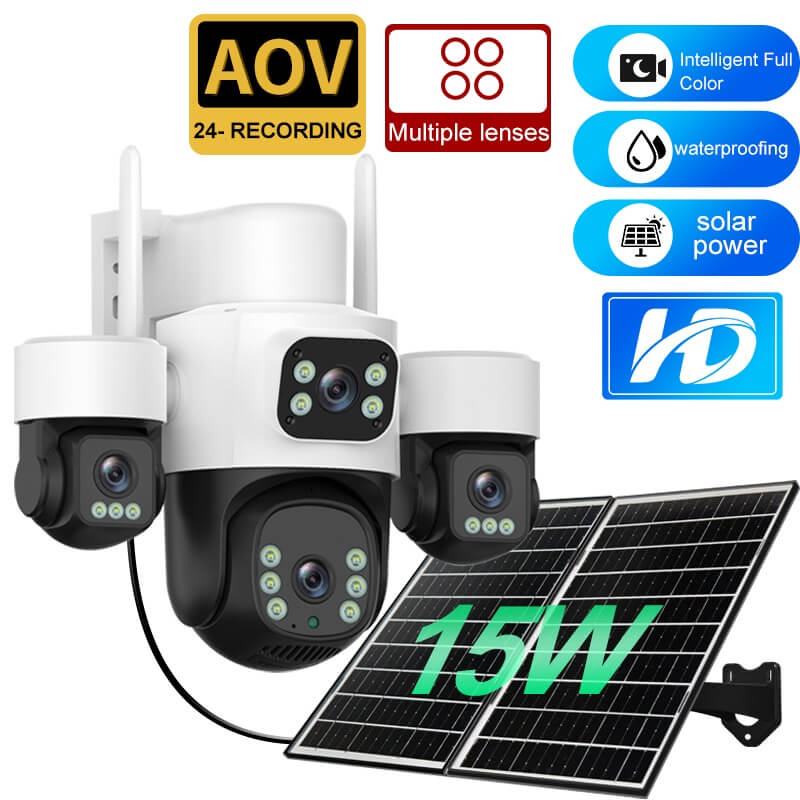
What Should a Retail Security Camera System Include?
A retail system should be built around the events you need to investigate. That is more important than simply counting cameras. Most modern installations follow this simple path:
IP cameras → PoE network → NVR/storage → monitor + secure remote access
| Component | What It Does | Retail Priority |
|---|---|---|
| IP cameras | Capture video evidence | Essential |
| PoE | Sends power and data over one cable | Recommended |
| NVR | Records and manages IP cameras | Essential |
| HDD/storage | Determines footage retention | Essential |
| Remote viewing | Allows off-site monitoring | High |
| UPS | Keeps the system running during outages | Recommended |
| AI analytics | Filters or identifies events | Optional |
Why Are Retailers Investing More in Video Security in 2026?
The numbers are clear. Retailers increased both interior and exterior security measures. Here is what the 2026 NRF report shows:
- 62% of retailers increased perimeter or exterior security measures.
- 60% increased interior security measures.
- 76% said technology, including video initiatives, helped reduce external theft-related loss.
These findings show that cameras are no longer optional. They are a core part of modern loss prevention. Therefore, choosing the right system is a serious business decision.
How Many Security Cameras Does a Retail Store Need?
There is no universal cameras-per-square-foot rule. Instead, count your required views. Use this planning method:
Required cameras = entrances + checkout positions + high-risk merchandise zones + sales-floor views + stockroom/rear access + exterior areas.
| Area to CoverTypical Camera Need | |
|---|---|
| Main entrance | 1 |
| Rear or employee entrance | 1 |
| Checkout / POS | 1+ per critical checkout view |
| Main sales floor | 1–4 depending on layout |
| High-value merchandise | 1+ |
| Stockroom/receiving | 1–2 |
| Exterior / parking | Depends on required coverage |
Small stores commonly start around 4–8 cameras. Larger stores may need 8–16 or more. Therefore, always select an NVR with spare channels. If a project needs six cameras today, an 8-channel NVR gives you room to grow.
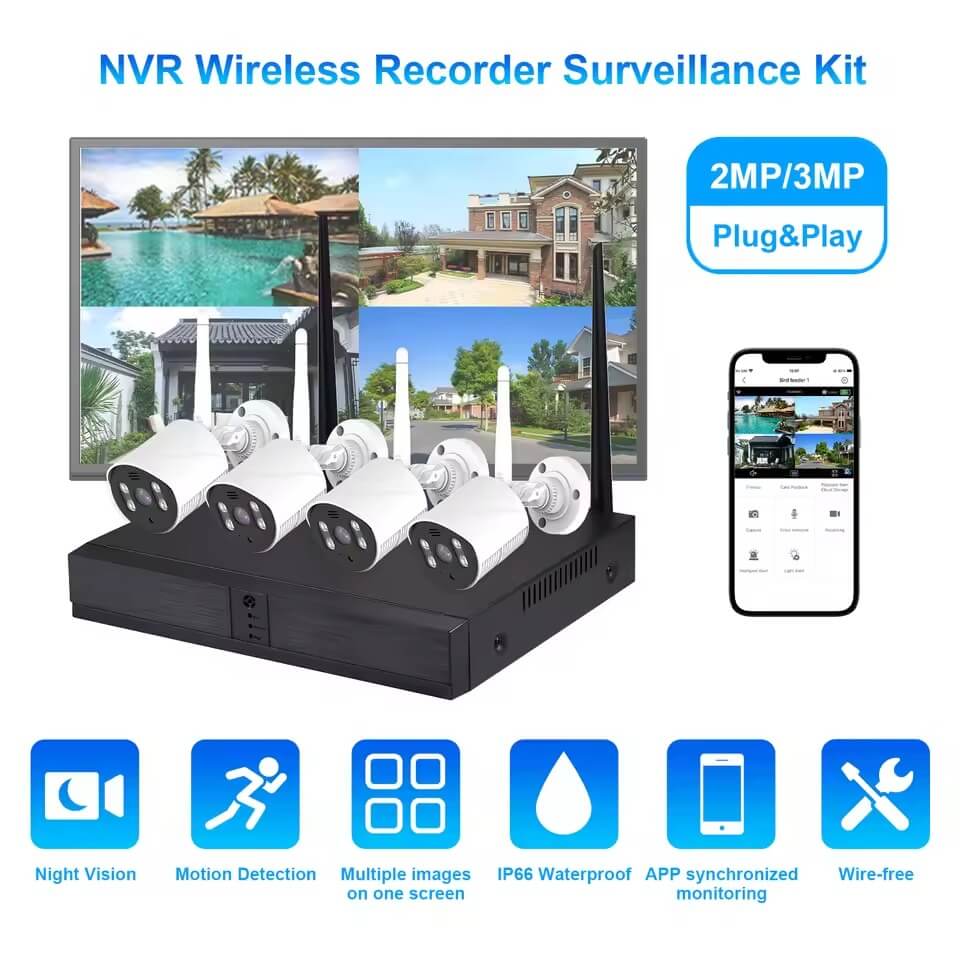
Where Should Security Cameras Be Placed in a Retail Store?
Placement is just as important as camera count. Think about what you need to see at each location. So prioritize these areas:
- Entrances and exits: Capture identifiable faces and merchandise movement.
- Checkout / POS: Review transactions and customer disputes.
- High-value displays: Detect theft or suspicious product handling.
- Aisles: Observe general customer activity.
- Stockroom and receiving: Track goods entering and leaving.
- Employee entrance: Review staff access.
- Exterior storefront: Handle after-hours incidents.
One camera should not do every job. A wide overview camera may show what happened. In addition, a tighter entrance camera is often needed to show who was involved.
What Resolution Is Best for Retail Security Cameras?
Many buyers assume higher megapixels always mean better identification. That is not true. Instead, use pixel density to guide your choice. The IEC/EN 62676-4 standard is a helpful reference.
| Surveillance Objective | Approximate Pixel Density |
|---|---|
| Detect | 25 px/m |
| Observe | 63 px/m |
| Recognize | 125 px/m |
| Identify | 250 px/m |
In practice, 4MP is a solid general-purpose resolution for many retail stores. However, 4K cameras are valuable at entrances, checkouts, and high-value displays. They give you more digital zoom detail. So remember this formula:
Resolution + focal length + camera position + target distance + lighting = useful identification detail.

PoE vs WiFi Cameras: Which Is Better for Retail Stores?
This is one of the most common retail camera questions. For permanent installations, PoE is usually the better choice. One Ethernet cable delivers both power and video. This makes the connection more stable and easier to manage.
| Factor | PoE Cameras | WiFi Cameras |
|---|---|---|
| Video connection | Ethernet cable | Wireless |
| Power | Through Ethernet cable | Local power or battery |
| Reliability | Generally higher | Depends on WiFi conditions |
| Installation | Requires cabling | Easier where cabling is hard |
| Scalability | Strong for permanent systems | Better for temporary or small setups |
| Best retail use | Permanent commercial installations | Temporary or retrofit installations |
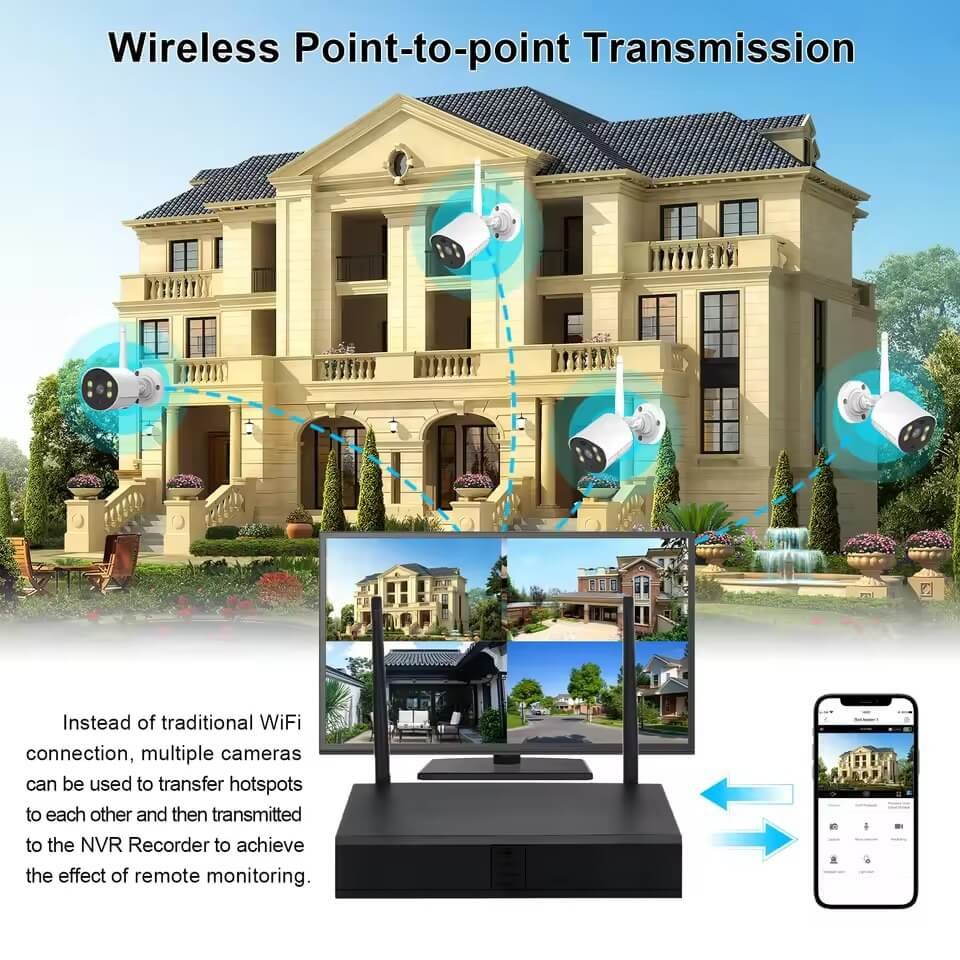
In short, choose PoE for reliability. Choose WiFi only when the installation truly requires wireless. For example, temporary stores or leased spaces might benefit from WiFi. In addition to that, our PoE camera and NVR kits are designed for hassle-free retail setups.
NVR vs DVR vs Cloud: Which Recording System Should Retailers Choose?
A recorder stores and manages your video. Therefore, your choice affects reliability, storage, and remote access. Here is a simple comparison:
| System | Best Suited For | Main Advantage |
|---|---|---|
| NVR + IP cameras | Most new retail installations | High resolution, scalable |
| PoE NVR | Small/medium installations | Simple one-box setup |
| NVR + separate PoE switches | Larger installations | More network flexibility |
| DVR + analog cameras | Existing analog infrastructure | Can reuse coaxial cabling |
| Cloud / hybrid recording | Multi-site or remote management | Off-site access and resilience |
For a new retail project, an IP camera system with an NVR is usually the best default. Choose a DVR only when the store already has valuable analog cabling to reuse.
How Much Video Storage Does a Retail Store Need?
Storage is easier to calculate than most people think. Use this formula:
Storage ≈ bitrate × recording time × number of cameras.
| Average Bitrate Per Camera | 1 Camera / Day | 1 Camera / 30 Days | 8 Cameras / 30 Days |
|---|---|---|---|
| 2 Mbps | 21.6 GB | 648 GB | 5.18 TB |
| 4 Mbps | 43.2 GB | 1.30 TB | 10.37 TB |
| 6 Mbps | 64.8 GB | 1.94 TB | 15.55 TB |
| 8 Mbps | 86.4 GB | 2.59 TB | 20.74 TB |
These are planning examples, not exact numbers. Actual bitrate varies with resolution, FPS, codec, scene activity, and encoder settings. Therefore, H.265 compression is very useful because it reduces storage needs significantly.
How Long Should Retail Stores Keep Security Camera Footage?
Around 30 days is a practical starting point. Commercial security practice often uses 30–90 days. Nevertheless, there is no universal rule. The right period depends on risk, storage capacity, insurance requirements, and local privacy rules.
Here is an important tip. Incident footage should be exported and saved separately. That way, normal loop recording cannot overwrite it. Also, ask your camera supplier for clear retention guidance.

Which Camera Features Actually Matter in Retail?
Some features matter more than others. So focus on what helps you capture useful evidence. Here is a quick guide:
| Feature | Why It Matters |
|---|---|
| WDR (Wide Dynamic Range) | Handles bright windows and dark interiors |
| Low-light / IR | Helps after-hours coverage |
| H.265 | Saves storage and bandwidth |
| PoE | Simplifies permanent installation |
| Appropriate lens / FOV | Determines useful detail at target distance |
| Motion / person detection | Reduces irrelevant alerts |
| Tamper detection | Alerts when cameras are blocked or moved |
| Privacy masking | Protects sensitive areas |
| Remote viewing | Helps owners monitor multiple sites |
| ONVIF interoperability | Allows cameras and recorders to work together |
| IP-rated housing | Needed for outdoor cameras |
| UPS support | Improves resilience |
Our 4MP PoE IP cameras include most of these features. They support H.265, PoE, ONVIF, mobile viewing, IR, and IP66 protection.
Should Retailers Look for ONVIF-Compatible Cameras?
Yes. ONVIF compatibility helps cameras and recorders work together. However, buyers should verify actual profile conformance. A generic “ONVIF compatible” claim is not enough. For new systems in 2026, ONVIF Profile T is especially relevant. That is because ONVIF is moving away from Profile S. New Profile S submissions end on March 31, 2027.
Does a Retail Store Really Need AI Security Cameras?
AI features sound exciting. However, the 2026 NRF survey shows that most retailers are still researching AI. In fact, 58% of retailers are researching AI but have not implemented it. Meanwhile, 20% are piloting or testing it.
| AI Adoption Status | Share of Retailers |
|---|---|
| Never considered | 14% |
| Researching, not implemented | 58% |
| Researched and declined | 4% |
| Piloting / testing | 20% |
| Implementation in progress | 4% |
| Fully operational | 0% |
So here is honest advice. Do not choose a system because it has the longest AI feature list. First, solve coverage, image quality, recording reliability, and storage. Then, add analytics only when they solve a defined problem.
How Secure Should an IP Camera System Be?
Security cameras are network devices. Therefore, they need cybersecurity protection. Retailers should follow these basic steps:
- Change default credentials on every camera and NVR.
- Use strong, unique administrator passwords.
- Keep camera and NVR firmware updated.
- Restrict remote access to trusted users.
- Use encrypted connections where supported.
- Separate surveillance networks from POS and sensitive business systems where possible.
- Disable unused services.
- Maintain configuration backups.
- Control who can export or delete video.
These practices align with the NIST IoT Cybersecurity Core Baseline. Above all, strong security protects both your store and your customers.
What Privacy and Legal Issues Should Retailers Consider?
Surveillance must be lawful and appropriate. For this reason, retailers should avoid private spaces such as restrooms and changing areas. Also, check local notice requirements and employee-monitoring rules. Likewise, verify audio consent laws before enabling microphones.
Checkout cameras need special care. Payment-security guidance recommends positioning surveillance so PIN entry cannot be recorded. In short, cover the transaction, not the customer’s PIN.
Regulations differ by country, state, and industry. Therefore, retailers should verify applicable local requirements.
Does CCTV Actually Reduce Theft?
Research says yes, but with limits. A major 40-year review from the U.S. Office of Justice Programs found CCTV is associated with a modest reduction in crime. Results are stronger when cameras are actively monitored and combined with other security measures. So cameras work best as part of a broader loss-prevention program, not as a stand-alone solution.
Retail Security Camera Buying Checklist
Use this checklist before you buy. It helps you avoid costly mistakes.
| Question | Recommended Approach |
|---|---|
| What areas must be identifiable? | Entrances, checkout, high-risk zones |
| How many unique views are required? | Count security zones first |
| What resolution and lens? | Match resolution to required pixel density |
| Wired or wireless? | PoE for most permanent installations |
| Which recorder? | NVR for new IP systems |
| How many channels? | Leave expansion capacity |
| How much storage? | Calculate from bitrate × cameras × retention |
| How long to keep footage? | Often 30+ days; decide by risk and policy |
| Is lighting difficult? | Consider WDR and low-light performance |
| Are cameras outdoors? | Use weather-rated housing |
| Do cameras need to integrate? | Verify ONVIF profile support |
| Do you need remote viewing? | Confirm secure mobile/web access |
| Do you need AI? | Buy only analytics that solve a defined problem |
| Is cybersecurity covered? | Passwords, updates, encryption, access control |
| Is power failure a risk? | Add UPS where necessary |
| Are privacy rules checked? | Verify video, audio, and notice requirements |
Frequently Asked Questions
What is the best security camera system for a retail store?
For most permanent installations, a PoE IP camera system with an NVR is a strong starting point. It offers stable wired connections, local recording, remote access, and easy expansion.
How many security cameras does a retail store need?
A small store may use roughly 4–8 cameras. Larger stores may need 8–16 or more. Count required security views instead of relying only on square footage.
Do security cameras need internet?
No. An IP camera/NVR system can record over a local network without internet. Internet is only needed for remote viewing, cloud services, or push notifications.
Will cameras keep recording if the internet goes down?
Yes. A locally recorded NVR system can continue recording when the internet is unavailable. Remote viewing will return once internet connectivity is restored.
How long should stores keep CCTV footage?
Around 30 days is a useful starting point. Many commercial practices use 30–90 days. The right period depends on risk, storage, insurance, and privacy rules.
Can store cameras record audio?
Some cameras can, but audio laws vary. Retailers should check consent and privacy rules before enabling audio.
How much does a retail camera system cost?
There is no universal price. Total cost depends on camera count, specs, NVR channels, storage, cabling, installation, and any cloud subscriptions. Compare total installed cost plus five-year operating cost, not just camera price.
Need a Retail Security Camera System for Your Market?
Shenzhen JER Technology Co., Ltd. supplies IP cameras, PoE cameras, NVRs, PoE NVR kits, and complete CCTV systems. We work with distributors, security integrators, and OEM/ODM customers. Our team can help you choose the right camera resolution, lens, recorder channels, storage, and system configuration for your retail application.
We have 18+ years of experience and export to 50+ countries. You can explore our complete security camera product range or visit our contact page to request a tailored quote. In conclusion, we are ready to help you build a reliable retail security system that fits your budget and coverage needs. Contact JER Technology today and let us design the right solution for your store.
Conclusion
Choosing the right retail security camera system starts with coverage, not features. First, count the views you need. Then, pick the right resolution and lens for each area. Next, choose PoE and NVR for reliability and easier expansion. Finally, calculate storage and keep footage for at least 30 days. Do not forget cybersecurity, privacy, and legal rules. A good system captures the right evidence, in the right places, reliably, and for long enough to be useful.
Ready to protect your retail store? Contact Shenzhen JER Technology Co., Ltd. today for a free consultation. We supply OEM/ODM cameras, NVRs, and complete retail CCTV solutions. Let us help you choose a system that truly works for your business.

 English
  Español
  Português
  العربية
  Русский
  Français
  日本語
日本語  Türkçe